Overview
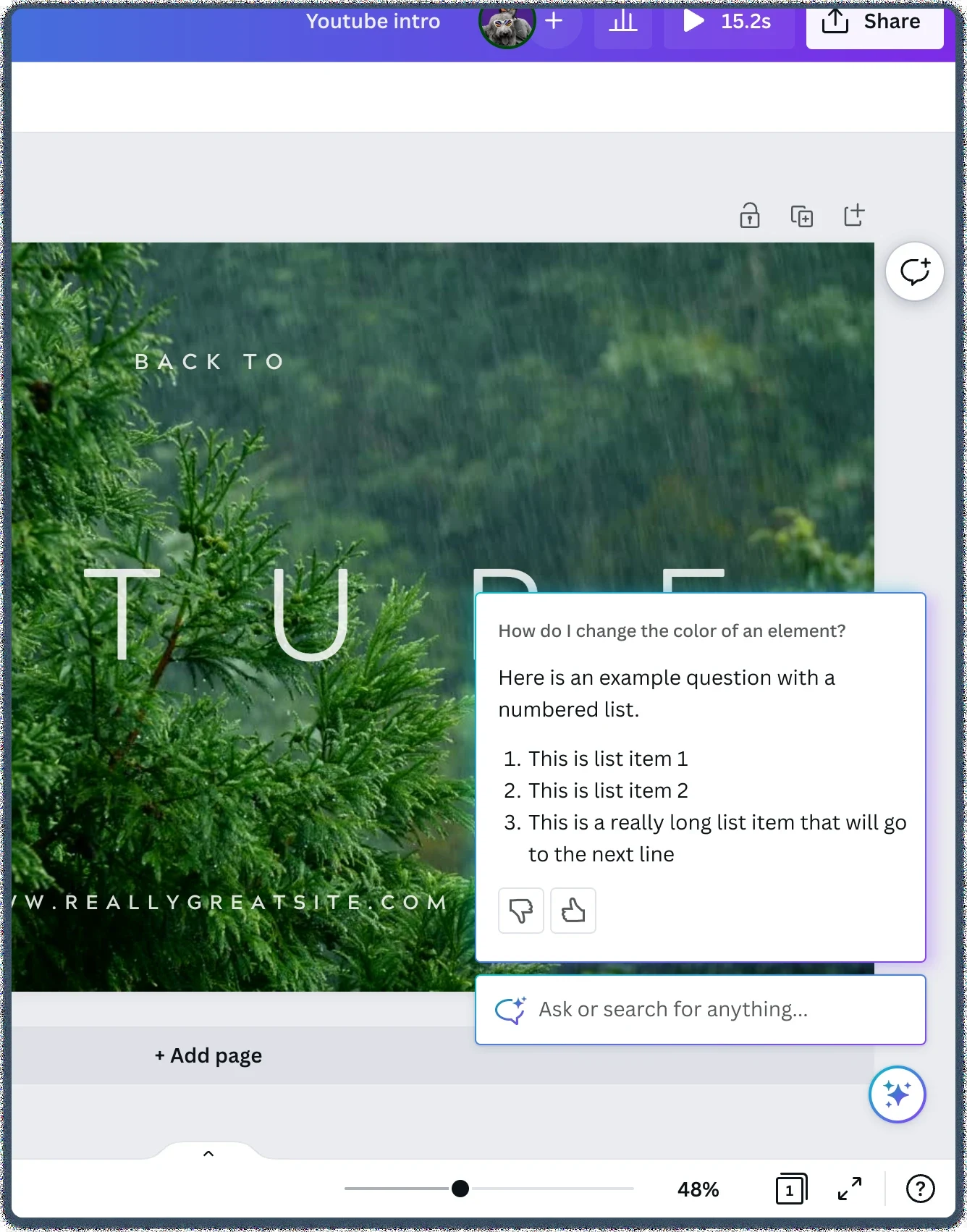
Canva AI didn’t start out as Canva AI. It began as Canva Assistant, a small in-product help assistant built within User Voice to answer questions about using Canva.
Once it launched, we noticed people asking it for much more than help with Canva. They wanted help with their designs. That signal changed the question we were answering: if people want a design partner, where should it live, what shape should it take, and how should people find it?
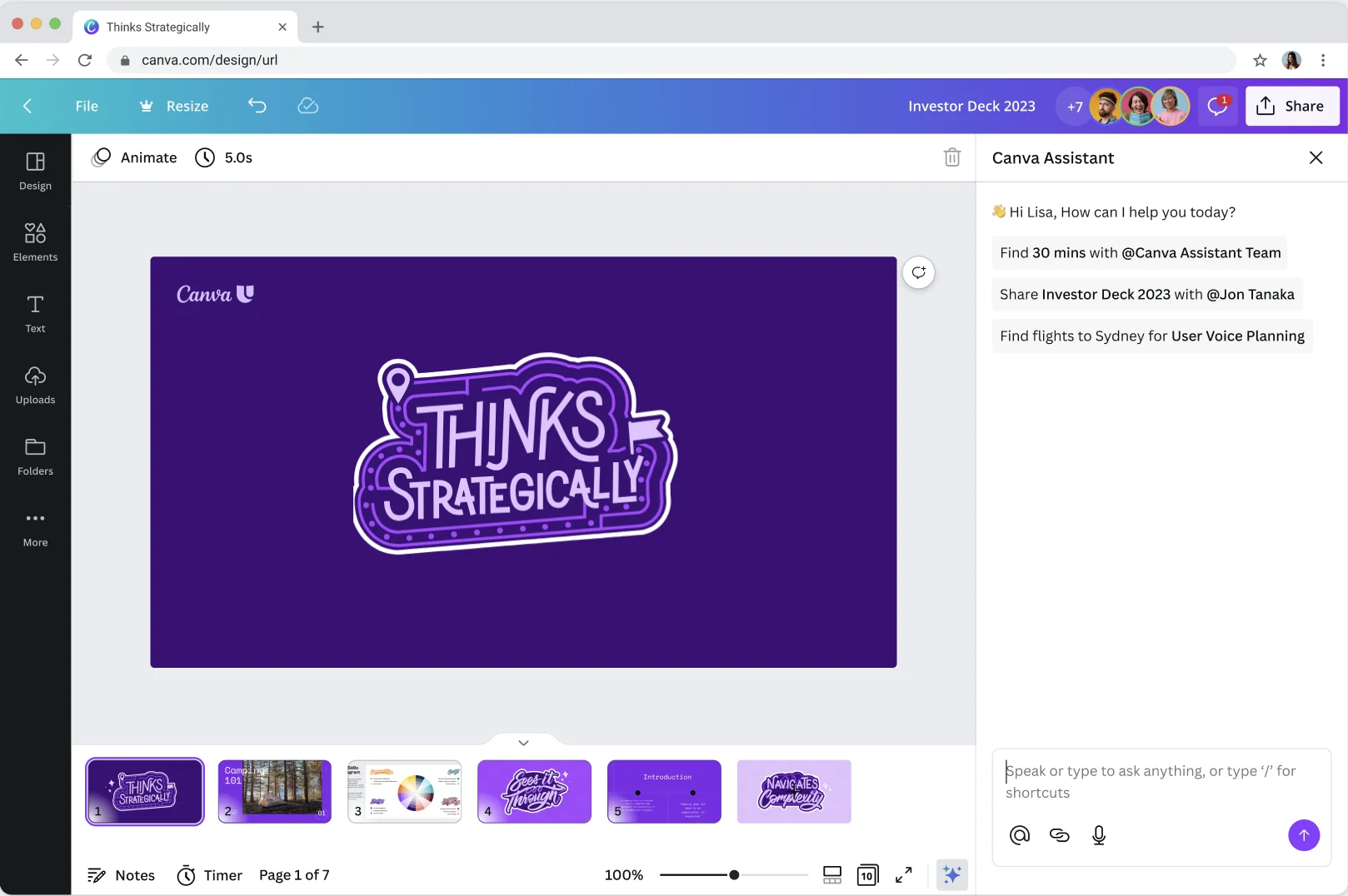
This is the story of how we answered those questions, from exploring a full page experience, contextual help in comments and a panel in the editor, to what we launched: Canva AI on the homepage, in the editor as a panel, and in comments.
Where it started
Canva Assistant was built to help people get unstuck. Instead of searching help articles, people could ask a question in plain language, right inside the editor, and get an answer or a shortcut to the thing they were looking for.
An unexpected signal
When we looked at what people were actually asking the assistant, a clear pattern appeared. Alongside “how do I…” questions, people were asking for ideas, content and design direction. They were treating it as a creative partner.
“Can you give me ideas to make a cute slide show about guitar”
That told us there was an opportunity to make the whole journey, from opening Canva to landing in the editor, more personalised and more inspiring. If an end to end design assistant is going to be useful, it should be there from the very start, not only once someone is already designing.
Principles
Once our discovery research was complete, we put together five principles for the assistant, so every team building into it worked from the same foundation. They became the yardstick for every form factor we explored.
- 01Biased towards action
Assistant prefers to show, rather than tell. And in the right moments, it biases towards doing rather than showing. But always, it enriches actions with answers to create teachable moments, enabling people to design in minutes while still empowering them to DIY.
- 02Seamlessly integrates
Assistant seamlessly integrates to make everything else in Canva ultra-accessible. It favours a singular designing experience, carrying out tasks and actions in the same conversational interface. And when it can’t, it provides clear pathways to exit.
- 03Enhances, never replaces, creativity
It’s opinionated about design, but only to enrich the user’s creativity. It performs design-related actions, but always on the user’s behalf. Assistant is in the passenger’s seat as the user drives, proactively showing where to go and what’s possible with designing in Canva.
- 04Learns from contexts and patterns
Assistant is deeply contextual and understands the who, where, what and why of the user. It provides the right content at the right moment, so they don’t get stuck in endless loops of self-help. It learns from patterns and preferences to provide increasingly personalised responses.
- 05Ready when you need it
It’s accessible anywhere in Canva, but it shouldn’t get in the user’s way. It’s voice-first for most things, but leverages content and visual design when it makes sense. It’s all ears whenever, but never a distraction in one’s creative zone.
Exploring form factors
With a new goal, we went back to first principles on form factor. Where should a design assistant live in Canva, and how should people reach it?
I started by mapping the problems with the existing assistant. Working with it over the canvas felt intrusive, it wasn’t clear how to close it, and people told us it was hard to find. The small surface didn’t suit longer responses or larger previews, conversation history wasn’t fully solved, and it wasn’t consistent with our design system or across mobile and desktop. We also knew it would eventually need to support all of Canva, including flows outside the editor with no canvas at all.
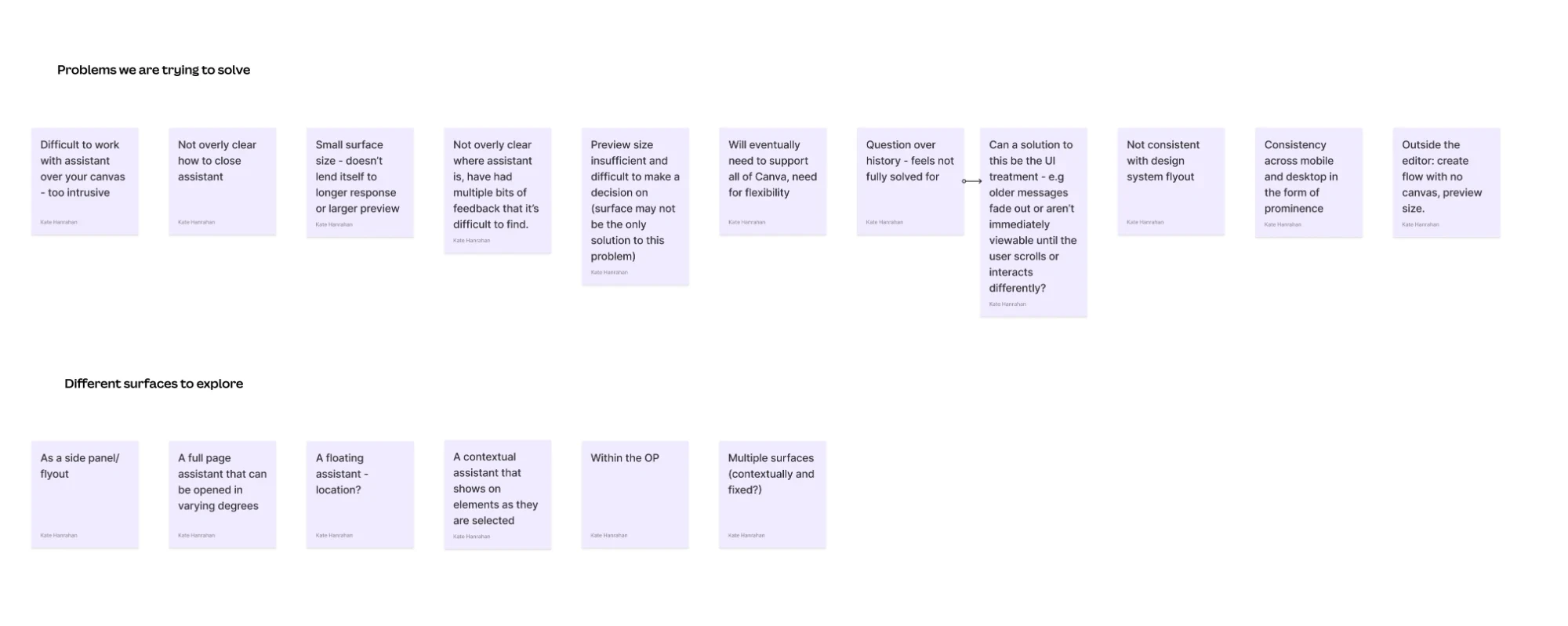
From there I explored and prototyped a range of directions, each with different strengths:
- 01Full page experience
A dedicated space to start from an idea, brainstorm and explore before committing to a design.
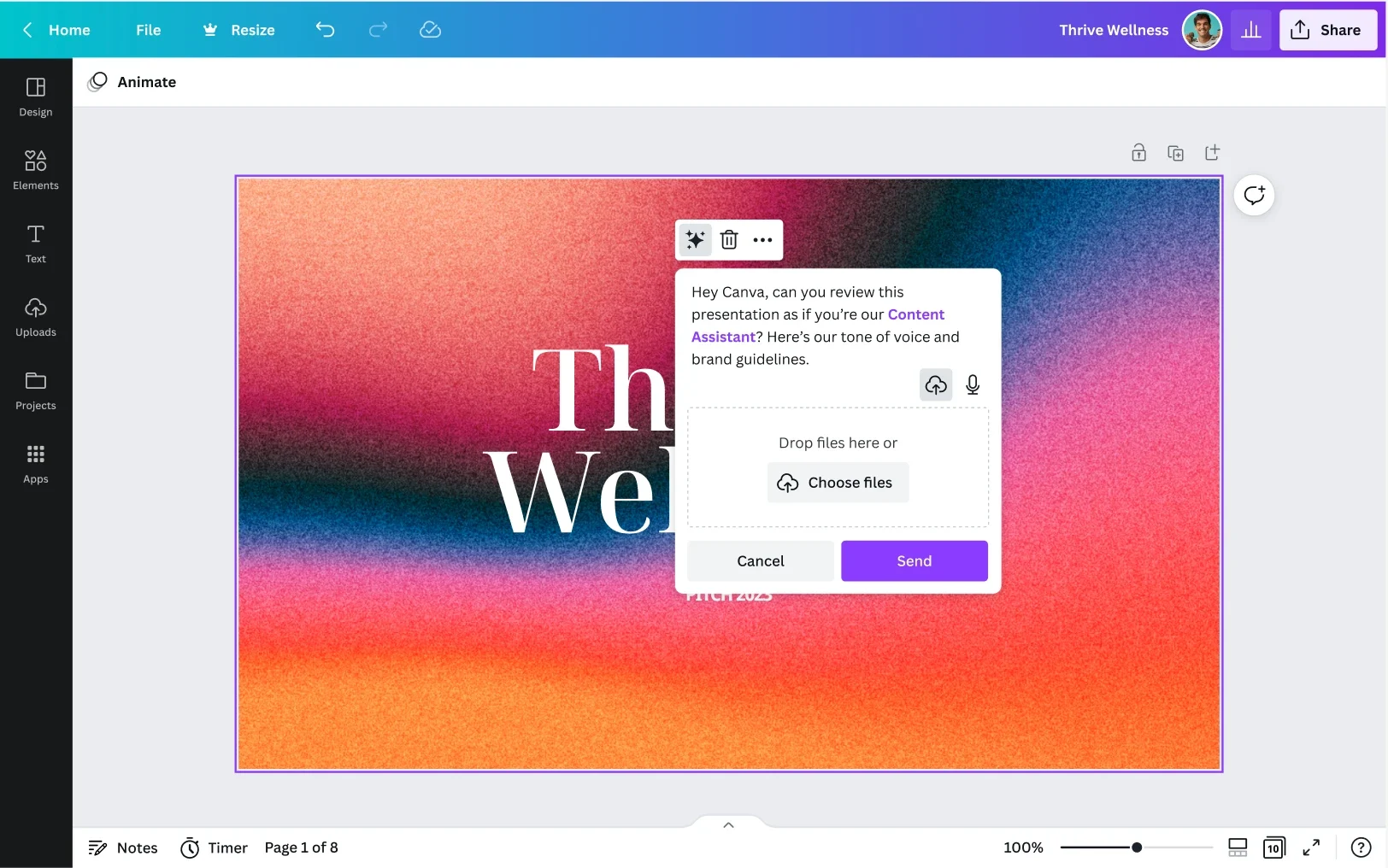
Room to think big and be inspiredSeparate from where the design work happens - 02Contextual, via comments
Ask Canva AI right on the design, the same way you’d ask a teammate for feedback.
Familiar, in context and collaborativeLess room for a longer back and forth - 03Panel in the editor
A conversation that sits alongside the design, so people can keep chatting while they work.
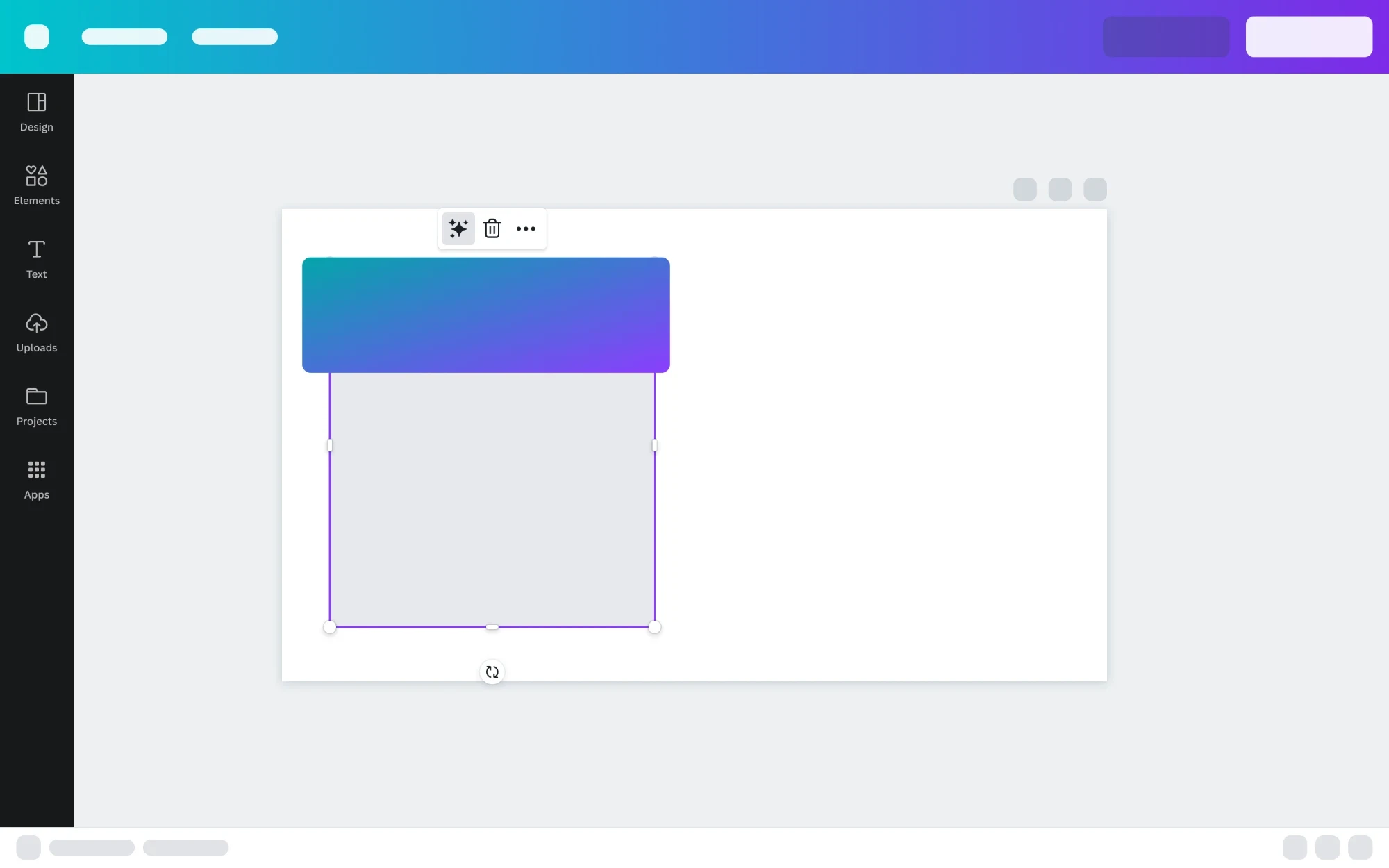
Keeps context while you editCompetes for space with the editor’s other panels - 04On the canvas
Lightweight entry points that appear on the canvas itself, close to what you’re working on.
Fast and close to the contentRisks getting in the way of the creative work
Early concepts for Canva AI on home
Because people wanted help before they’d even opened a design, I also explored what the assistant could look like on the Canva homepage. One early concept was a full page conversation that could reach beyond Canva, an early idea around connectors: finding time with a teammate in your calendar and drafting the invite, all from the same prompt.
Another brought the floating assistant onto the homepage, where it could turn a quick request into creative ideas using your brand kit.
We measured each direction against the principles: is it easy to find, does it keep people in their flow, and does it scale to everything people were asking for? No single form factor did all of that. People wanted different things at different moments, starting from a blank page, refining a design, or working with their team.
What we launched
Rather than choosing one form factor, we designed Canva AI to meet people at each of those moments, with one consistent experience across three entry points.
The final designs were a true collaboration across the Gen AI design team. I went on maternity leave around this time, but my early explorations helped shape some of the decisions the team made. When I returned, I helped add polish and detail to the final experience.
On the homepage: start from an idea
Canva AI became the starting point on the Canva homepage. People can describe an idea and Canva AI brings it to life, choosing the right format for them, whether that’s a design, a doc, an image, code or a video clip.
In the editor: keep designing together
In the editor, Canva AI sits in a panel alongside the design, so people can keep the conversation going while they work and ask for changes in plain language.
In comments: right where the work is
In comments, people can ask Canva AI for help in context, right on the design and alongside their collaborators.
One assistant, everywhere
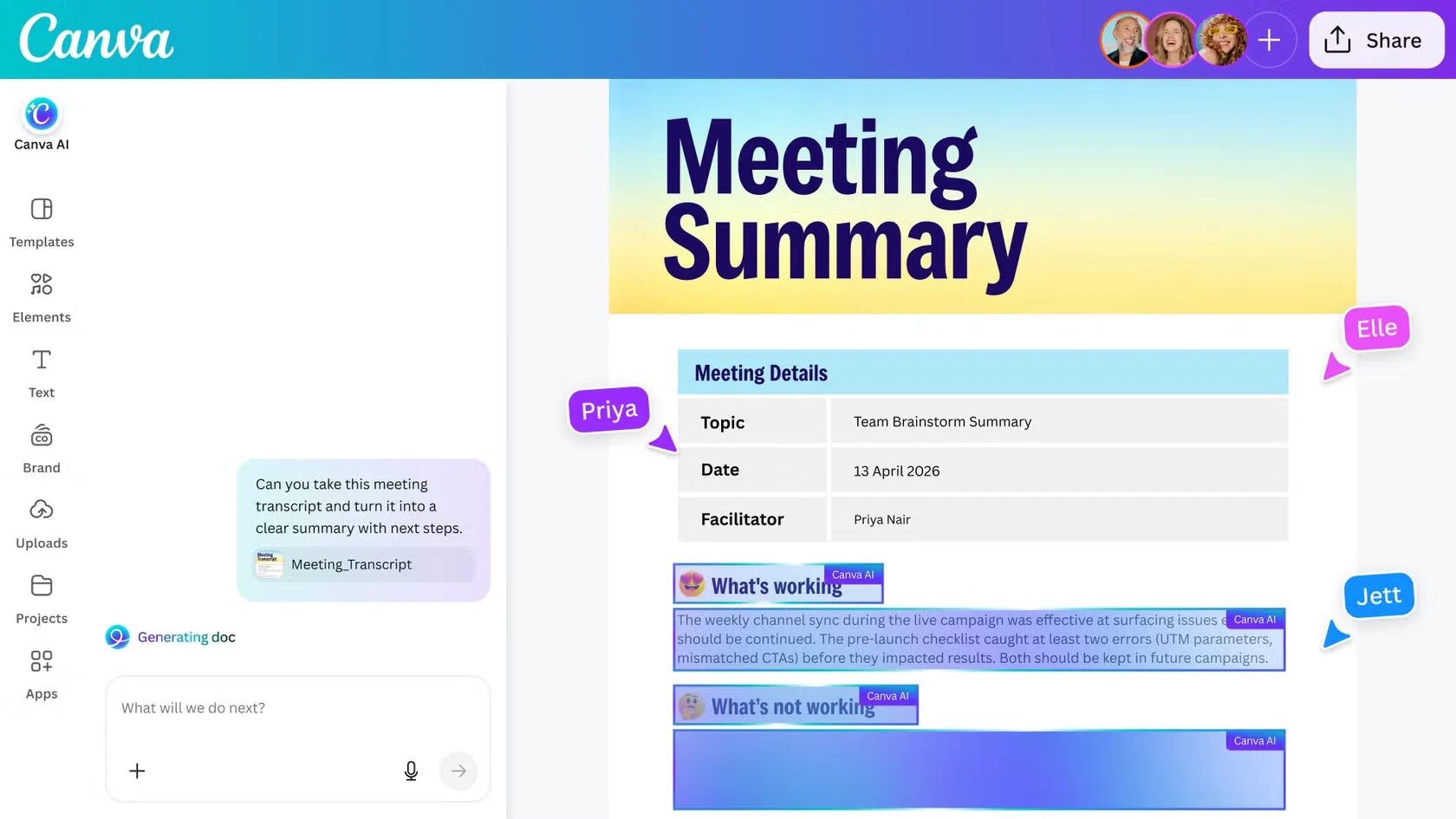
Because every entry point shared the same conversation model, new capabilities could show up everywhere at once. Connectors let Canva AI pull in context from other tools, and docs, meeting summaries and more could be created from the same prompt.
Outcome
What began as a help assistant inside User Voice became Canva AI, launched as part of Canva AI 2.0 and available on the homepage, in the editor and in comments. It grew into a product used by tens of millions of people every month.
Reflections
Follow what people actually do. The biggest shift in this project didn’t come from a roadmap. It came from noticing that people were already using a help assistant as a design partner.
Form factor is part of the product. Where an AI lives shapes what people think it can do. A panel feels like a helper; a homepage feels like a starting point. Choosing the surfaces was as important as designing the conversation.
Meet people at their moment. There was no single right form factor. The answer was one consistent assistant that shows up where people already are, whenever they need it.